Diary and jobs
The diary records what you've done and jobs track what's due, with reminders. Both work per tree and across the whole collection.
The diary
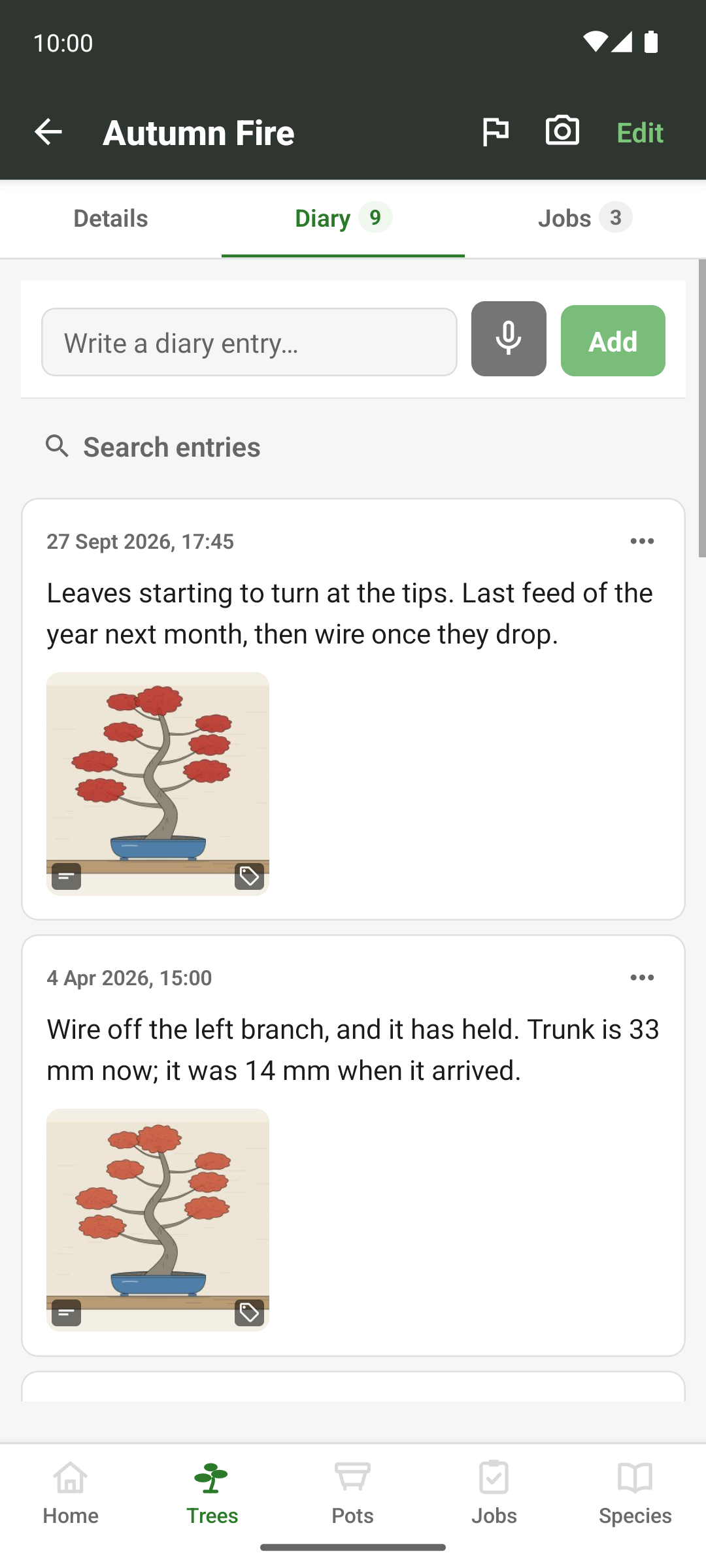
Every tree has a diary, and so does the collection as a whole, for the things that aren't about one tree: a hard frost, a delivery of akadama, or a weekend spent repotting. Entries sit newest first, and can be dictated if your hands are covered in soil. Each one shows the photos you took that day beside it, so the words and the pictures of a repot stay together without attaching anything.
Editing an entry keeps its original date, however many times you go back and tidy up the wording.
Jobs
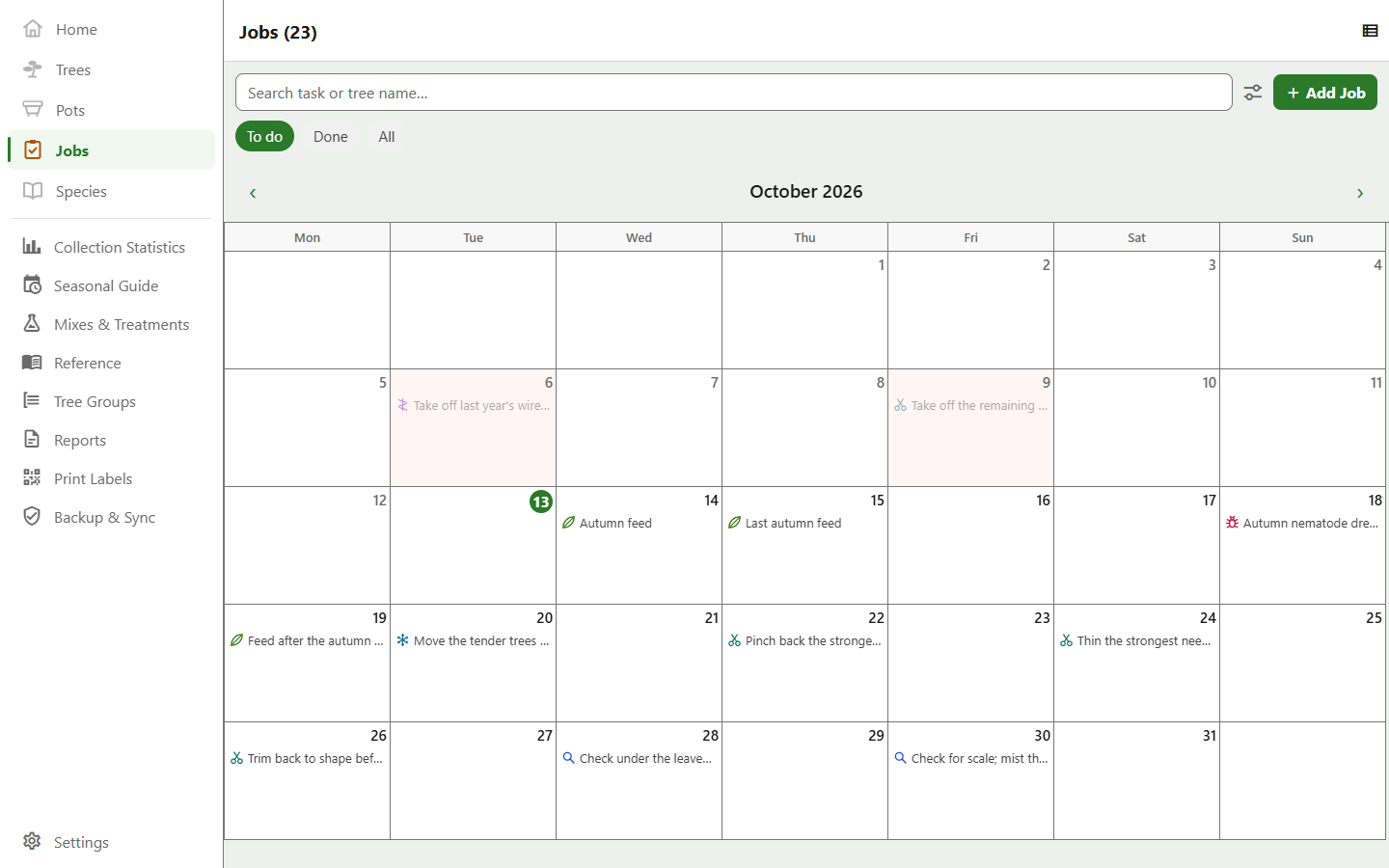
A job is a task with a due date, attached to a tree or to the collection. The Jobs tab holds every one of them in one list, with three views across the top: To do, split under overdue, within a month and later; Done; and All. There's also a calendar view, with a marker on each day that has work on it.
A job is added on a screen of its own, like a tree or a pot: its wording (typed or spoken), its type, the recipe the type calls for, the due date and how often it repeats. Added from a tree's jobs or the collection's, it already knows whose job it is; added from the Jobs tab, it asks first which tree it's for, or the collection.
Every job has a type: repot, fertilise, prune, wire, woodwork, inspect, pest control, maintenance, winter protection or other. Pick it from a row of chips as you add or edit the job. The type sets the job's icon, decides which recipe it can carry, and is what the reports count by. Until you tap a chip, the chip follows what you type, so “Repot into the oval” starts out as a repot. Repotting, pruning, wiring and woodwork belong to a tree, and maintenance and winter protection to the collection. A job from before types is read from its wording.
- Views
- To do · Done · All, plus a month calendar
- Recurrence
- Recurring jobs run as a series. Completing one spawns the next, and you can complete, skip or cancel a single occurrence or the whole series
- Reminders
- Push notifications for jobs due and jobs coming up
- Entry
- Typed or dictated
- Bulk
- Copy one job onto many trees at once, onto a tree group, or onto everything a gallery filter has selected
A job you give the same trees every spring is one step rather than twenty once they're a tree group.
The same list appears wherever jobs do (on the jobs tab, on a tree's own page, and on the collection's), so anything you learn to do in one place works the same in the other two.
In your own calendar
A job can also be added to your device's calendar. The app creates and owns a calendar named Inchgrove, and each job you opt in gets an event in it. It works one way only, so nothing the app writes can disturb the rest of your calendar.
After that, the event stays in step with the job. Edit the job and the event moves; complete or delete it and the event goes; complete a recurring job and the event carries onto the occurrence that replaces it. A setting decides whether you're asked at all, and whether the box starts ticked: never, ask each time, or preselected.
Calendar export lives on the phone and tablet app, where the device calendar is. Everything else on this page works everywhere.
Recipes
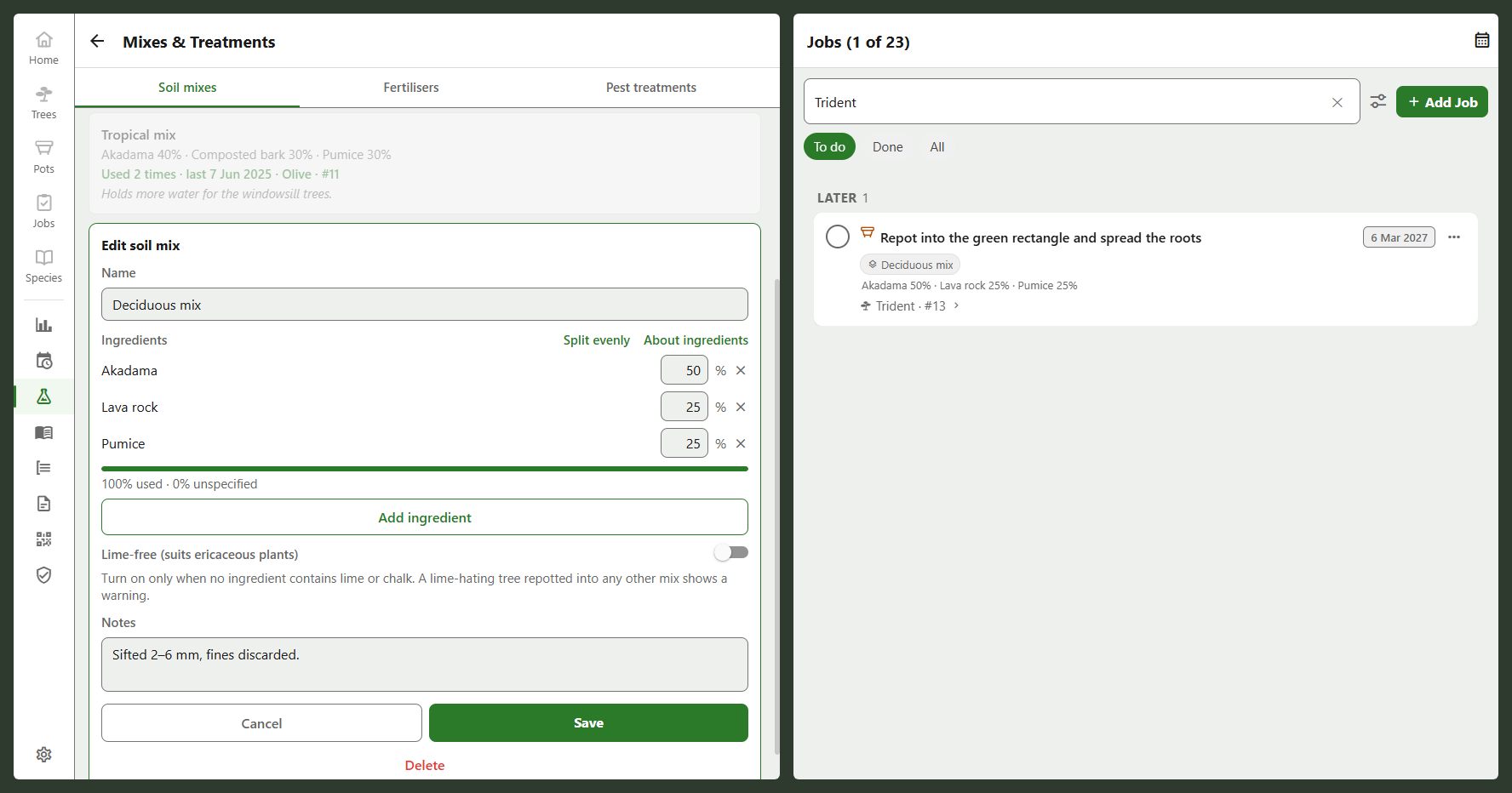
Repot, feeding and pest-control jobs can each carry a recipe, so you can look up later what you used. Recipes are kept together on the collection, one tab per kind: soil mixes, fertilisers and pest treatments. On the phone they open from the head of the Jobs list, and on the desktop from the sidebar.
- Soil mix
- A name, notes, a list of ingredients in whole percent, and whether it's lime-free
- Fertiliser
- A name, notes, and its N-P-K analysis
- Pest treatment
- A name and notes
- On a job
- Repot jobs take a soil mix, feeding jobs a fertiliser, pest-control jobs a treatment
A mix's quick-select list builds itself from the mixes you've already made, alongside a starter set of the usual components. A mix doesn't have to add up to 100, either. A total below it just means the remainder's unspecified, so you can save a mix you're still working out.
Mark a mix lime-free yourself; the app doesn't guess from the ingredients. Plan or record a repot of a lime-hating species with a mix that isn't marked, and it warns you, without stopping you.
Attached to a job, a recipe is the plan. When the job is completed, the recipe gets copied into it as the record. The plan follows later edits to the recipe, but the record keeps what was used at the time. So years later the app can still tell you what a tree is potted in, and the repot report can list it.
You don't have to set a recipe up in advance. The picker on the job form can create a new one on the spot.