
Printed QR labels
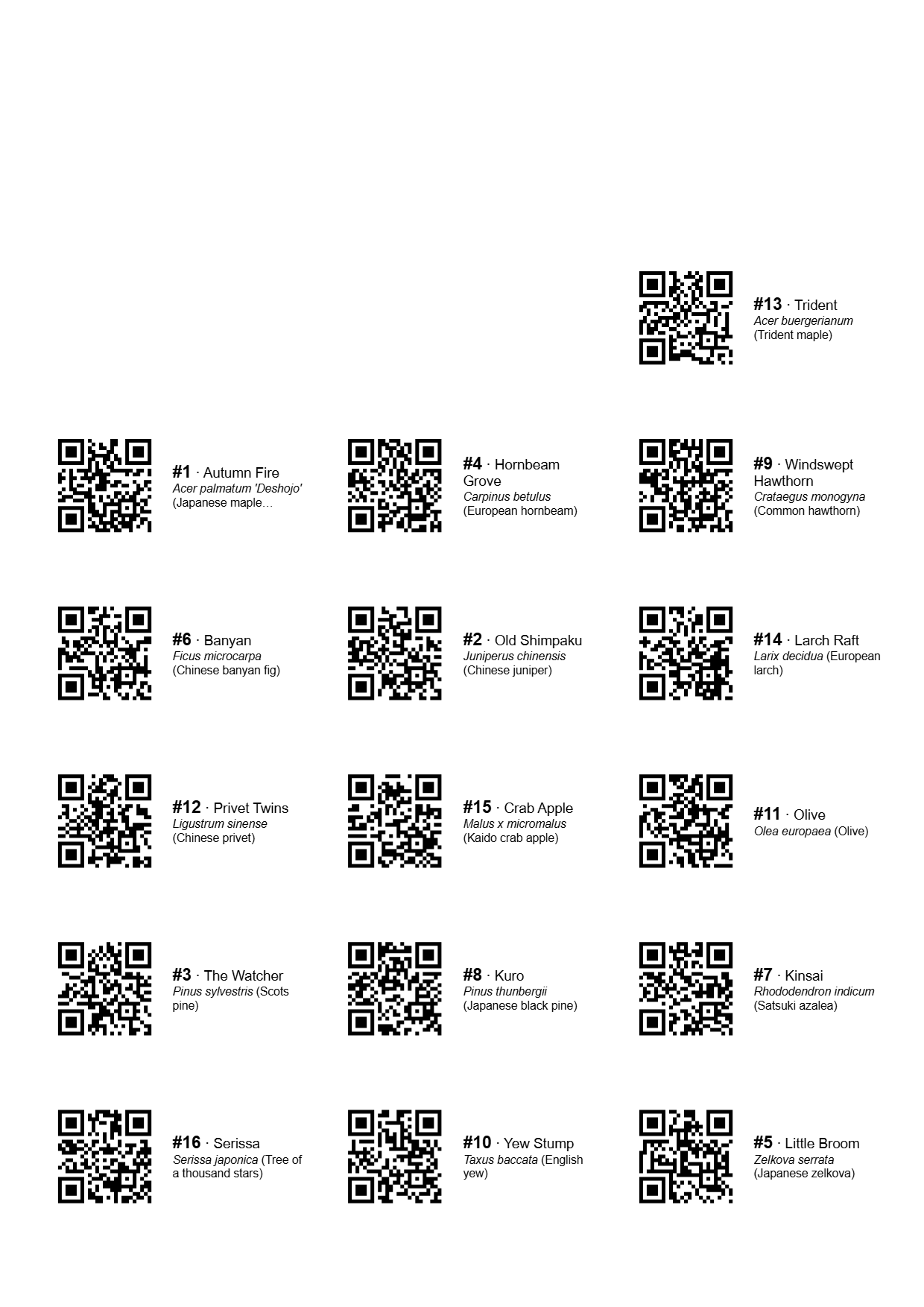
Print a sheet of QR labels on the desktop and stick one on each pot. Scan a label with the phone and the app opens that tree's page.
The sheets
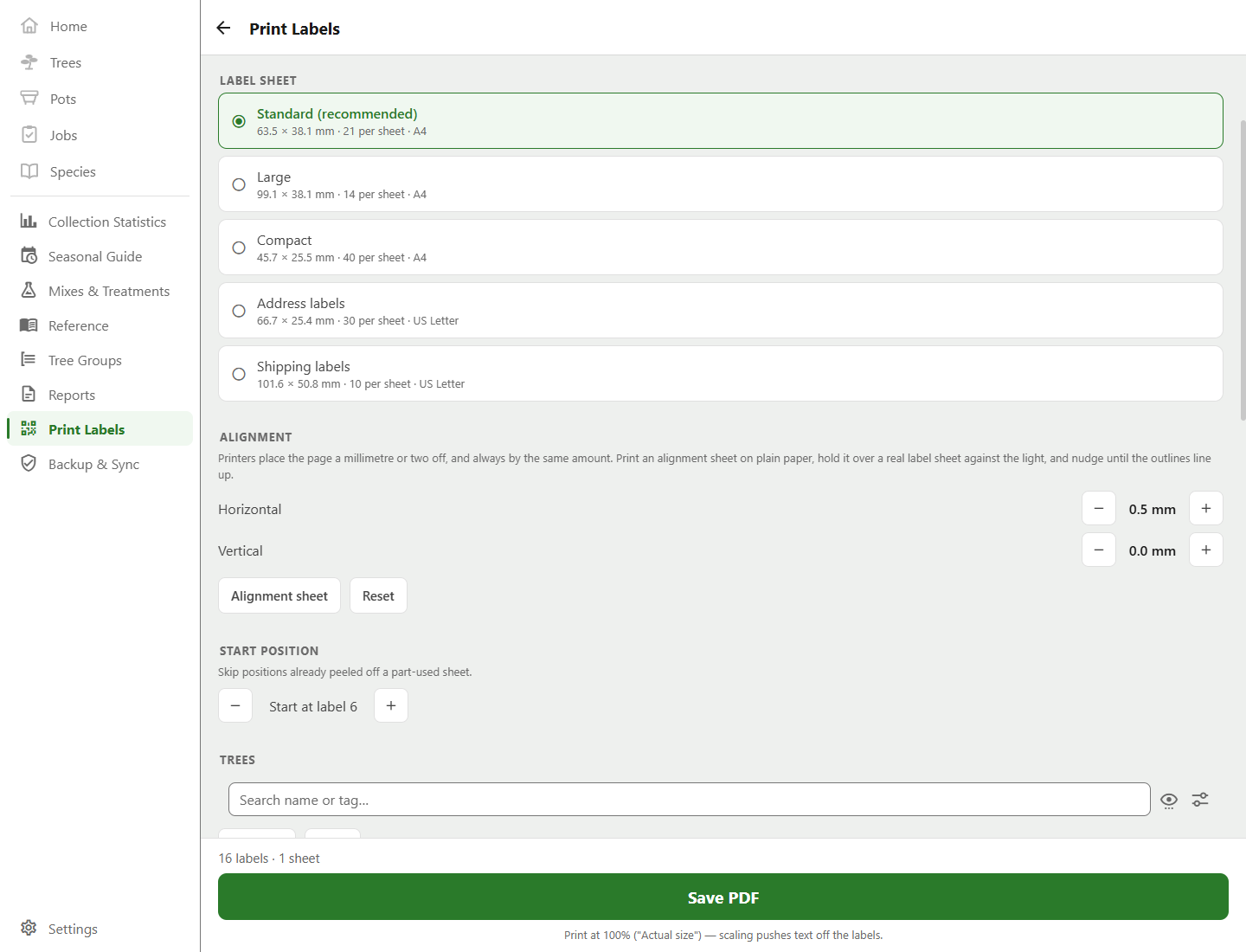
Labels print onto ordinary die-cut label stock, in five presets taken straight from the manufacturers' own spec sheets: three for A4 stock and two for US Letter. Each label carries its tag and name beside a QR code, with the species underneath wherever the label's big enough to hold it.
- Standard
- General purpose: 63.5 × 38.1 mm, 21 to an A4 sheet
- Large
- Wide, for long names and full botanical names: 99.1 × 38.1 mm, 14 to a sheet
- Compact
- Small, for shohin and accent plants: 45.7 × 25.5 mm, 40 to a sheet
- Address labels
- 2⅝ × 1 in, 30 to a US Letter sheet
- Shipping labels
- 4 × 2 in, 10 to a sheet, with the largest QR code of the five
- Part-used sheets
- Start at any label number, so a sheet with a corner missing is not wasted
- Output
- A PDF, at exactly 1:1
Making it line up
Printers don't all put the page in the same place, and a millimetre of registration drift turns the last column into a row of half-labels. So the app prints an alignment sheet first. Run one on plain paper, hold it against the label stock, and nudge the whole layout in half-millimetre steps until it sits right. The nudge goes up to 5 mm. Needing more than that usually means the preset is wrong for your stock.
The offset is remembered per device, since the desktop that prints and the phone that scans have no reason to agree on it.
Print at 100%, not fit-to-page. The app writes a PDF rather than using the browser's own printing, because Chromium defaults to shrinking the page by about 4%. That's invisible in the preview, and enough to push the last column off the die cut.
Scanning in the garden
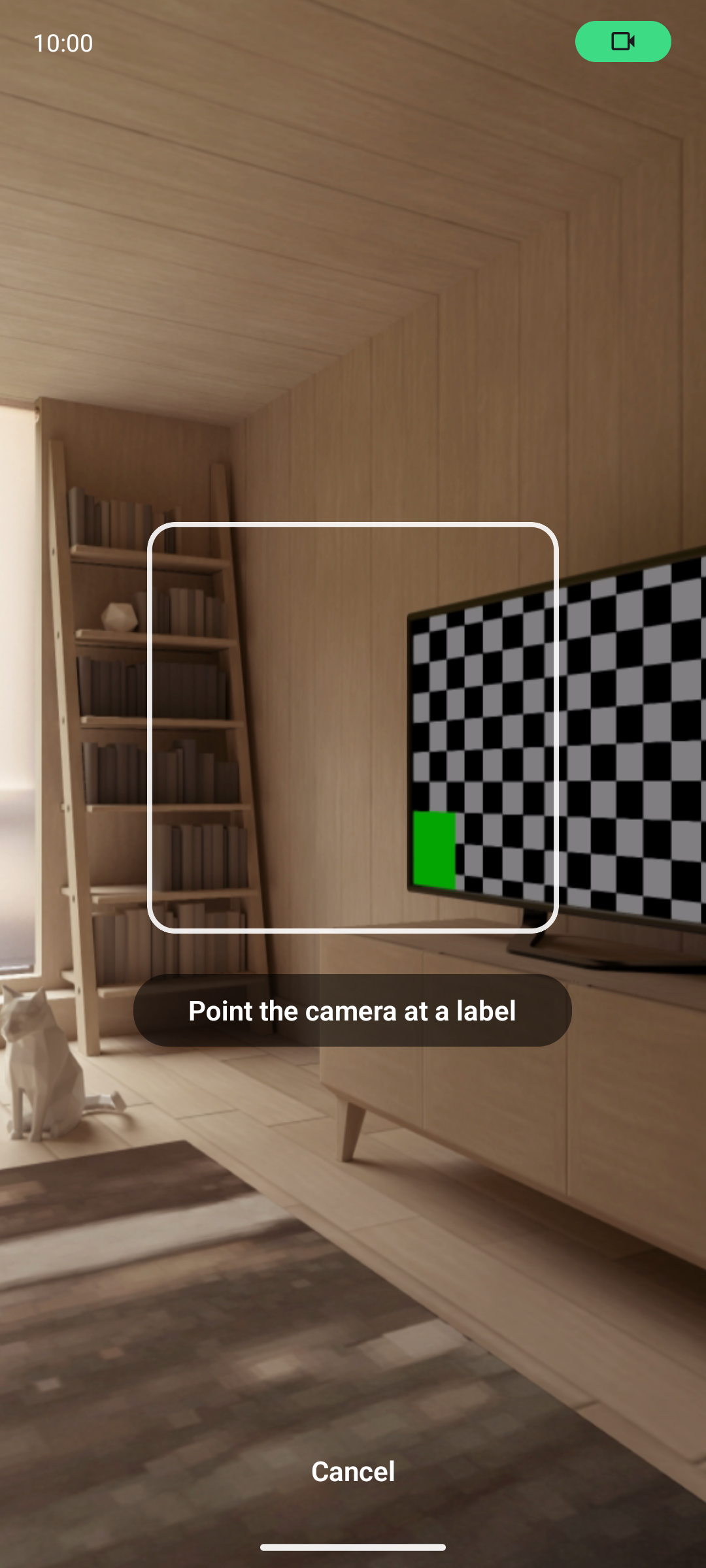
Point the phone at a label and the app opens that tree or pot, so there's no working out which of your three trident maples this one is.
The code holds the record's own identifier, not its tag, because a tag can be reassigned and the label would then open a different tree. It also says whether it's a tree or a pot, so the scanner knows what it's holding before it looks anything up. Scanning the label of a tree you've since deleted tells you it's gone.
Print on the desktop, scan on the phone
You print at a desk and scan at the bench, so printing is on the desktop app and scanning is on the phone app. Cloud sync or an exported backup keeps your collection in step between them.
- Printing
- Windows and Linux desktop app
- Scanning
- Android phone app
- Paper
- A4 or US Letter; each preset prints on the paper its stock is made for, and the default follows your region